

THE WALMART GUIDE
Gluten-free
shopping at Walmart.
A practical starting point for the aisles, your list, and your next meal.
Explore the aisles New to gluten-free? Start hereBy Let’s Go Gluten Free · Independent of Walmart.
Sources checked · Sources & approach
What are you shopping for?

No matching guide yet.
Try “pasta,” “label,” “pickup,” or “budget.”
Make this guide your shopping list.
Save what you want to check on your next trip.
GOOD FOOD. A LITTLE LESS GUESSWORK.
A useful plan for your Walmart trip.
Start with meals you already like, find the categories you need, then record the exact products you want to check. This guide brings the planning steps together so you can shop at your own pace.
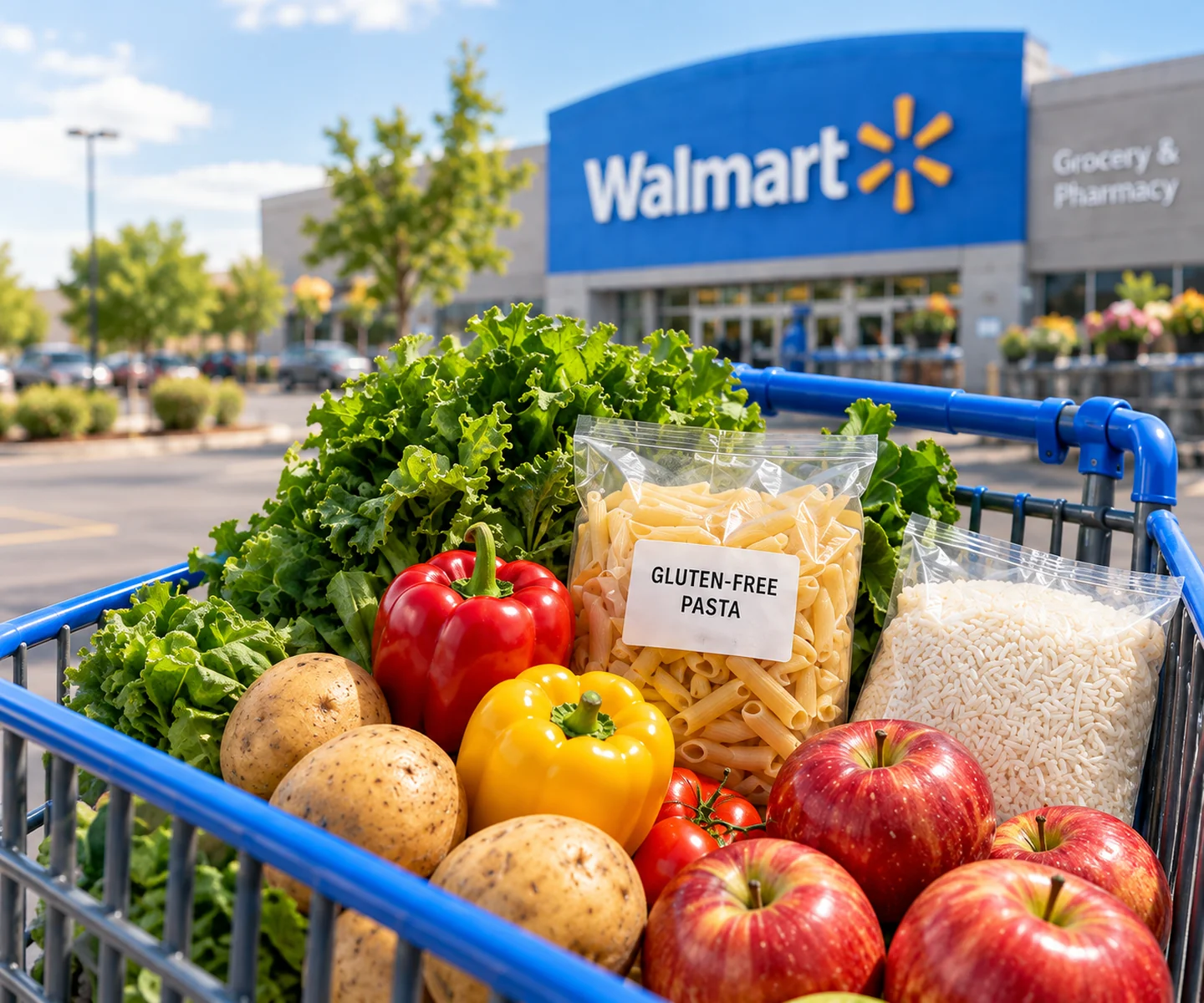
Walmart has an online gluten-free shopping section. Use it to discover possibilities, then check your selected store, fulfillment option and exact product. These category guides do not promise local stock or verify individual products.
Find your starting point.
A short list is easier to use than a storewide wish list. Check your pantry, refrigerator and freezer, choose a few meals, and write down what would make those meals possible.
- Choose your store and shopping method. Check the Walmart location you intend to use and distinguish pickup or delivery choices from items offered for shipping.
- Use the app to help find an item. Walmart describes store maps and aisle-location features in its app guide. If the location is missing or a shelf has moved, ask an associate rather than treating the map as a guarantee.
- Look beyond a single category. Our “aisles” organize this guide by food type; they are not a map of your branch. Use the exact item name when searching.
- Keep the first trip manageable. Choose a familiar breakfast, a few dinners and one backup. Our meal planner can help organize the meals before you shop.
A few useful notes for each aisle.
Open a category for planning prompts, then make the list entry specific to the product you intend to buy. Saving an item is a shopping reminder, not a gluten-free verification.
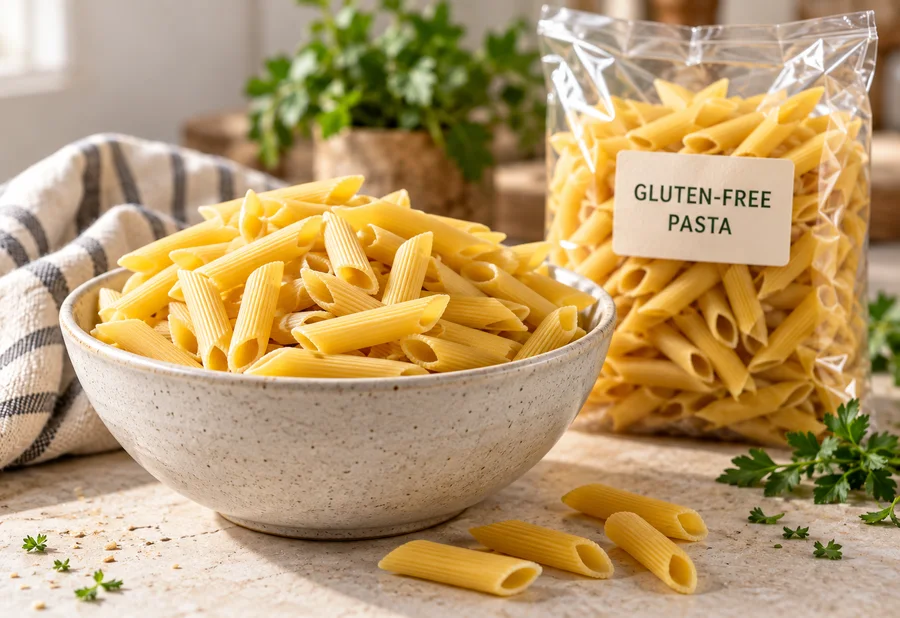
Pasta & noodles
Start with one gluten-free pasta for a familiar dinner. A shape that works with your usual sauce is more useful than several bags you have no plan for.
- Match the exact pasta variety and package size to your list.
- Read the current package rather than relying on the color of the box.
- Add sauce and a vegetable only after checking what is already at home.
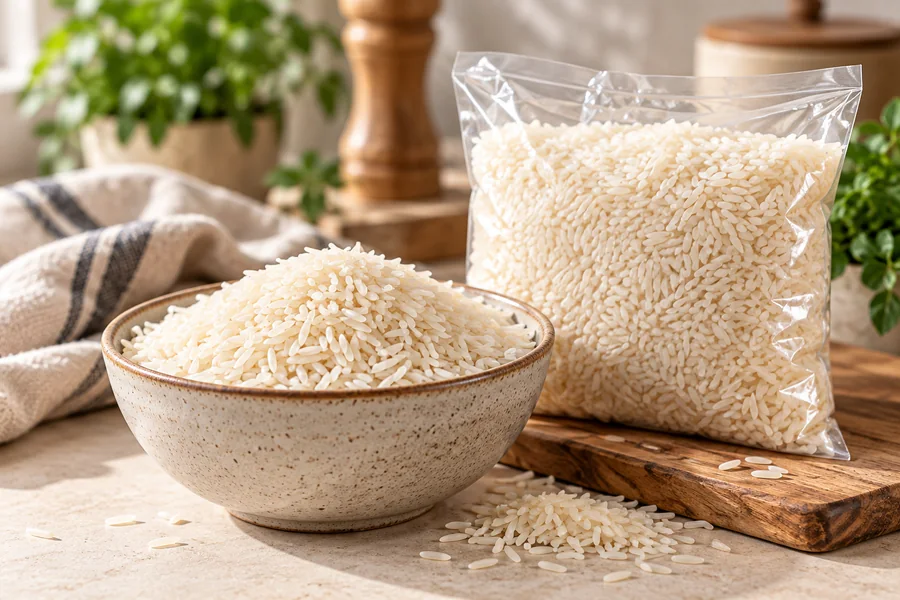
Rice & grains
Choose a grain or potato dish that fits your week. Keep plain rice and seasoned rice mixes as separate entries: they are different products and need separate checks.
- Compare the total package weight and the amount you expect to cook.
- Choose a suitable packaged gluten-free grain and record the exact variety.
- Plan a second meal that uses the rest of the bag before adding another base.
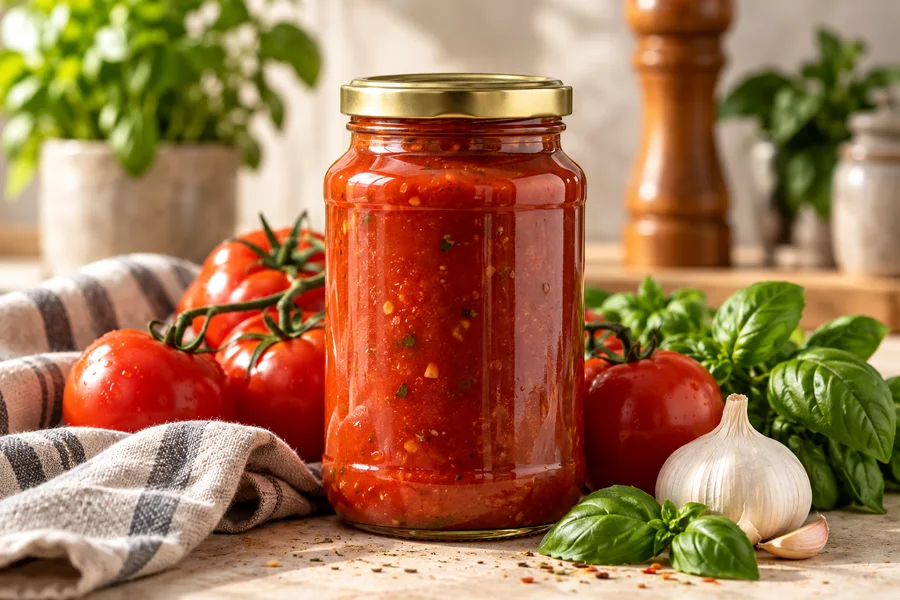
Sauces & seasonings
Write the sauce or seasoning next to the meal it belongs to. Record the flavor, not just the brand, so another shopper can recognize the right bottle or packet.
- Look at the ingredient information on the exact product.
- Check the bottle size against the amount your recipe needs.
- Keep a photo or product link in your own notes when the packaging is hard to distinguish.
Breakfast, made easier
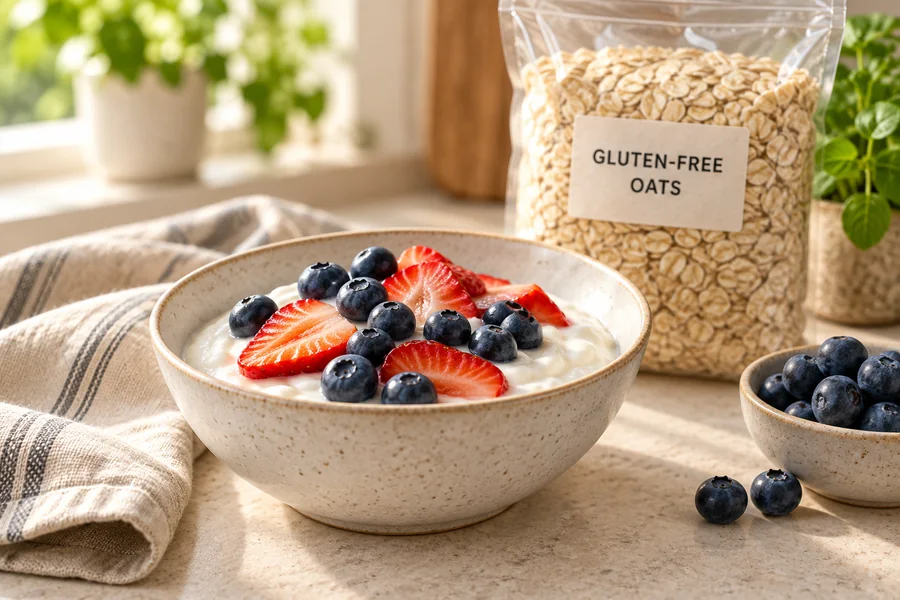
Choose a breakfast you can repeat on busy mornings. Fruit, a suitable yogurt, or a gluten-free-labeled cereal can keep the list manageable. For oats, choose gluten-free-labeled products; discuss whether oats suit you with your clinician if you have celiac disease.
- Count the mornings you are shopping for.
- Treat flavored yogurt, granola toppings and cereal as separate package checks.
- Start with a small pack when trying a new breakfast.
For background on oats and cross-contact, see NIDDK’s celiac diet guidance.
Snacks for the week
Think about lunchboxes, a work bag, or the drive home. Pick a familiar option for each situation instead of trying every gluten-free snack at once.
- Check the exact flavor and any assorted multipack contents.
- Compare the number and size of portions rather than the box alone.
- Record other household needs, such as a nut allergy, separately from gluten-free labeling.
A freezer backup
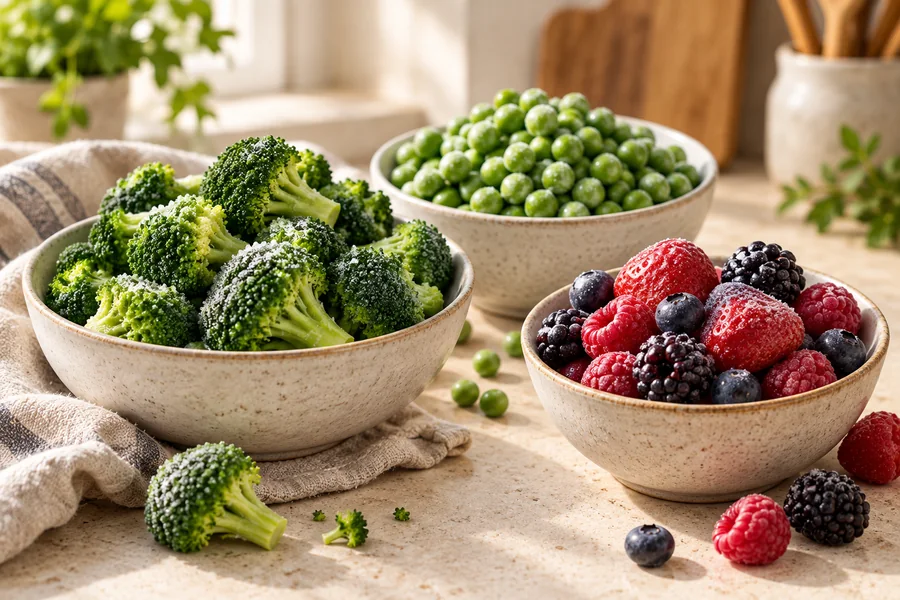
A freezer plan can be as small as vegetables for one dinner and a backup you already enjoy. Decide where it will fit before buying a large pack.
- Plain vegetables and versions with sauces need separate checks.
- Read each prepared meal or pizza package, including its variety and size.
- Follow the package’s storage and cooking directions and plan the trip home.
Start with fresh food
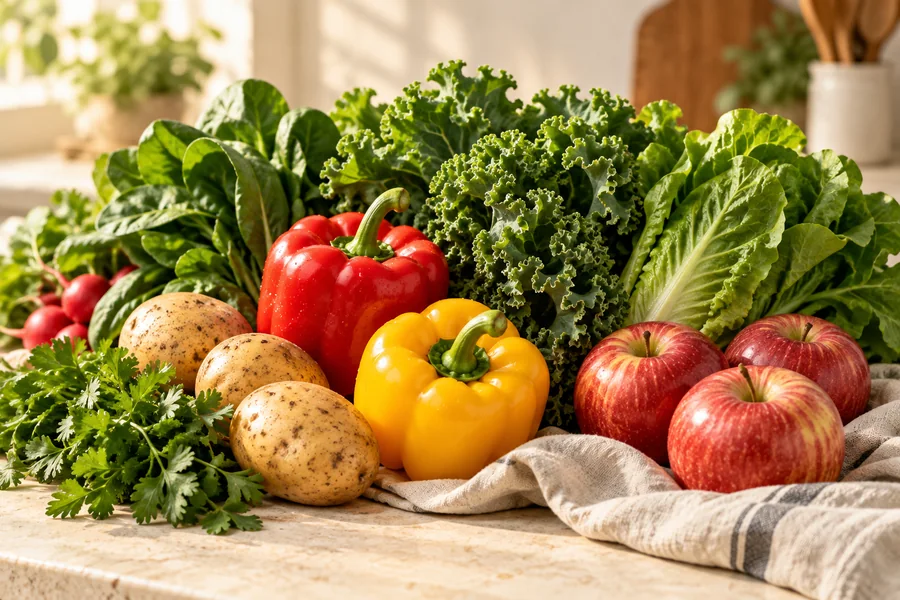
Plain fruit and vegetables can anchor the trip. Choose ingredients that work across meals: potatoes for dinner, peppers for two recipes, and fruit your household will finish.
- Check the refrigerator first and use what you have.
- Choose quantities for your next few meals, with room for leftovers.
- Treat deli, marinated and prepared foods as separate checks; they are not the same as plain ingredients.
Check the package in your hand.
For FDA-regulated foods, a voluntary “gluten-free” claim must meet ingredient restrictions and a gluten level below 20 parts per million. The claim does not have to appear on the front. A separate certification logo is a different piece of information; identify the certifier and exact product.
Read the ingredients and allergen information together. A “wheat-free” label alone is not enough: barley and rye also matter. Match the flavor and size, especially when a brand sells several similar-looking versions.
Sources: FDA gluten-free labeling questions and NIDDK’s food-label guidance.
Plain produce and naturally gluten-free foods can be useful starting points. Processing, added ingredients and preparation still need consideration. The Celiac Disease Foundation’s food guide explains these categories and advises against shared bulk bins for grains.
Something does not match? Leave the item off the trip’s purchase list while you ask the manufacturer about the exact package. Keep that question in your notes; an unanswered question is not a positive result.
Make replacements a deliberate choice.
Walmart lets shoppers choose preferred substitutions or mark items they do not want replaced before placing an order. When a replacement is offered, the response window is limited; Walmart says it will substitute the item if you do not accept or decline in time.
- Review replacement choices for each packaged item. Choose an exact alternative you have checked, or decline a substitution.
- Watch the order messages. A new flavor, size or brand needs a fresh look.
- At pickup, tell the associate if you want to reject a replacement. For delivery, Walmart directs customers to start a return through Purchase History; drivers cannot remove the item and return it to the store.
Policy source: Walmart’s substitution help page (checked September 15, 2026).
When unpacking, compare each received package with your order and list. This page’s personal list is separate from your Walmart account; copy its notes into your own ordering workflow.
Compare the food you will actually use.
A large package is useful only if you will finish it. Choose two suitable products, compare equal units, and include the whole trip in your decision: food, delivery charges, travel and waste.
- Try a small package before buying several of an unfamiliar gluten-free food.
- Keep a short repeat list and record the date, location, size and price when you shop.
- Plan a second meal around ingredients left from the first.
USE YOUR OWN PRICES
Which pack is better value?
Use the same unit for both packs. Include the total weight or count of a multipack.
Shopping another store this week? Our Target guide, Kroger guide and Costco guide work the same way, so you can compare the same items and amounts at current prices.
A little help before you go.
Does Walmart sell gluten-free groceries?
Walmart has an online gluten-free department. Check your chosen location and shopping method for the exact item you want; an online category does not establish a package’s suitability or local availability.
Where is the gluten-free aisle at Walmart?
This guide groups foods by category rather than assigning a store aisle number. Use the Walmart app or ask an associate about the exact item at your branch. Check the package wherever it is shelved.
Is every Great Value product gluten-free?
Do not use a brand name as a gluten-free verdict. Check the specific item, flavor and current package. This guide does not make a blanket claim about Great Value or any other brand.
Can I use Walmart pickup for gluten-free shopping?
Use the pickup options offered for your store, then review each item and its substitution setting. Recheck the actual packages when you receive them. See the pickup section above for Walmart’s replacement policy.
Where can I use this shopping list?
This list is available across the grocery hub and Walmart guide in this browser. It does not sync to Walmart, the separate Meal Planner, another device or another person. Copy, download or print a portable version. Adding an item does not verify its gluten-free status.
What this guide is based on.
This is an independent U.S. shopping guide. Store tools and substitution guidance were checked against Walmart’s published pages on September 15, 2026; labeling background comes from the FDA and celiac education sources. Shopping prompts are our practical planning suggestions.
- Walmart: gluten-free shopping department
- Walmart: mobile app and store maps
- Walmart: pickup and delivery substitutions
- FDA: gluten-free labeling questions
- Celiac Disease Foundation: gluten-free foods
- NIDDK: eating and nutrition for celiac disease
The photographs are AI-generated illustrations, not evidence of a Walmart visit, current packaging or store inventory. Walmart product availability and prices have not been independently verified. The Amazon collection reflects Katie’s family taste experience; it does not establish Walmart stock or replace checking the exact package. For personal celiac or allergy questions, a qualified clinician or dietitian can help apply the guidance to your needs.
Found a changed Walmart policy or something we should correct? Send us a correction with this page address and the detail you noticed.
ONE LESS THING TO FIGURE OUT